

 Brass Compass
01 / 16
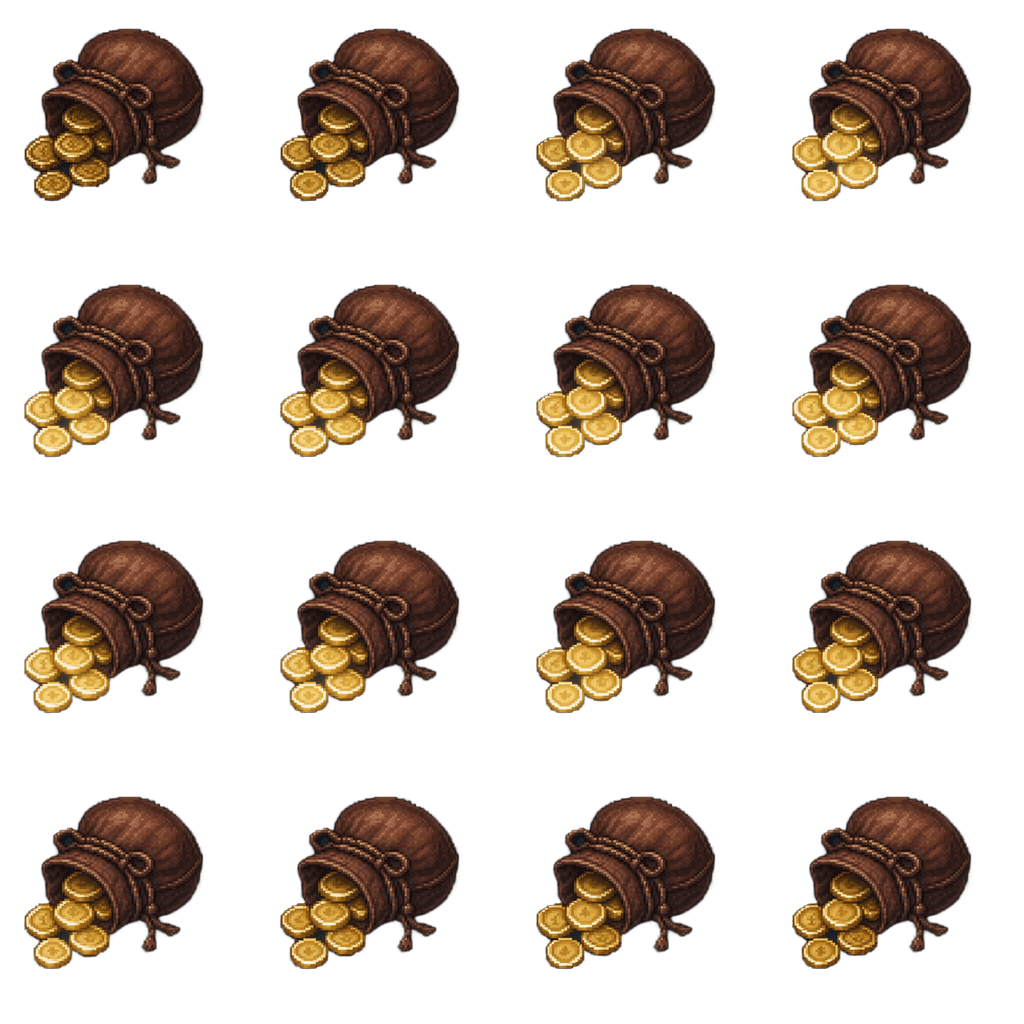
256×256 per frame · 4×4 grid · transparent PNG
Coin Pouch
16 frames · 256px · PNG
A drawstring leather pouch spilling gold coins.
CC0 — free for commercial use, no attribution
Drop it in
- 1Drag the PNG into Assets, then select it in the Inspector.
- 2Sprite Mode → Multiple. Open Sprite Editor.
- 3Slice → Grid By Cell Size → X 256, Y 256 → Slice → Apply.
- 4Select all 16 sliced frames and drag them into the scene to create an Animation clip.
Want your own version?
Start from this prompt and change whatever you like — the armor, the weapon, the palette.
a leather drawstring pouch spilling gold coins, rpg inventory item
More free asset sprite sheets
Browse all →


Everything here is CC0. Use it in anything, including commercial games. No attribution, no sign-up, no catch.
Read the license →Every asset here was made with AutoSprite
Describe a character or upload one, pick your animations, and export a game-ready sprite sheet. Free credits every day, no credit card.
Start generating free