Blog
Tutorials, tips, and guides for game developers.
Tutorials, tips, and guides for game developers.
Tutorials, tips, and guides for game developers.
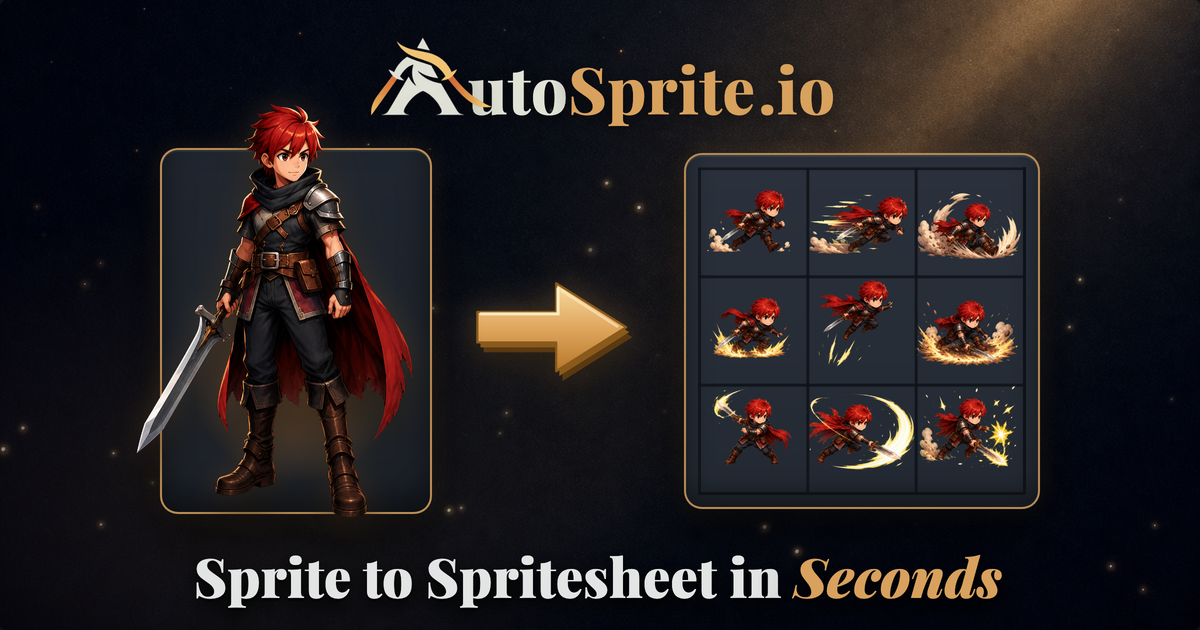
You drew the character. AutoSprite makes it idle, walk, run, jump, and attack from that one image. What it is, what it can do, how to use it in 3 steps, and what it costs.
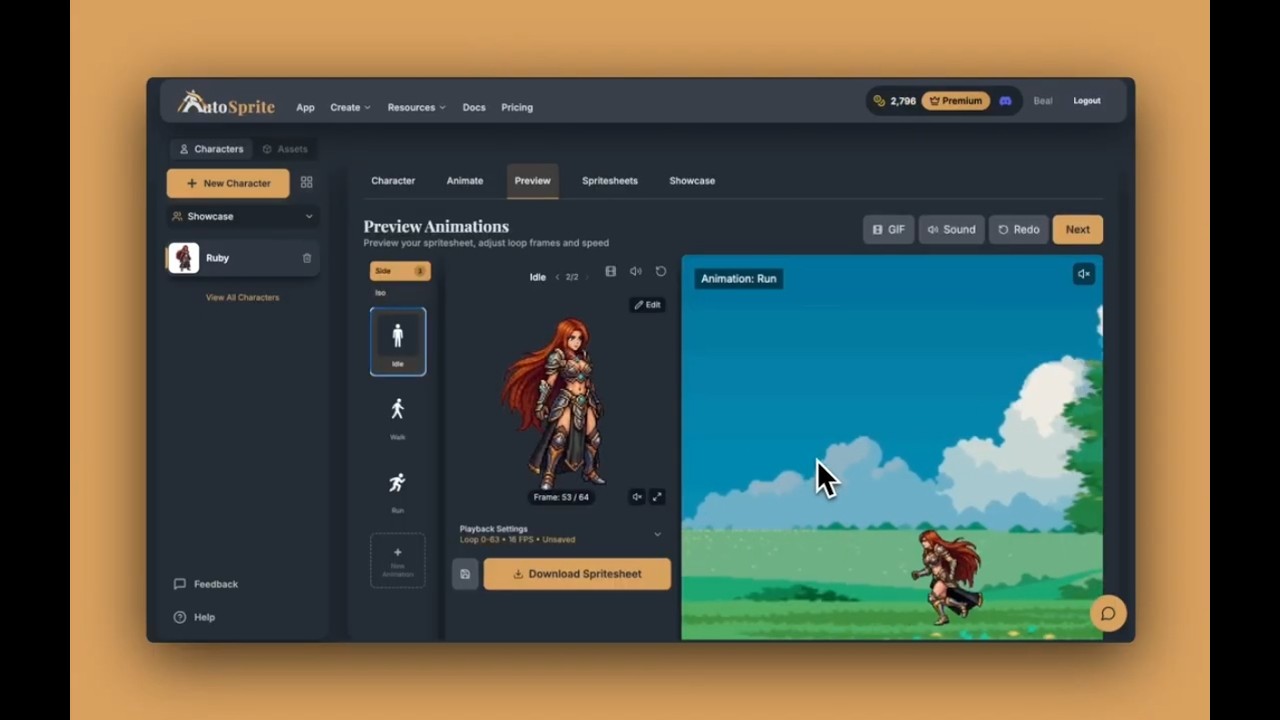
A complete walkthrough of AutoSprite. Upload a character, generate animations, preview in-browser, export spritesheets, build movesets, manage assets, and create cutscenes.
Learn how to use an AI sprite sheet generator to create walk cycles, attacks, idle loops, and custom animations for Unity, Godot, GameMaker, and Phaser. No drawing skills required.
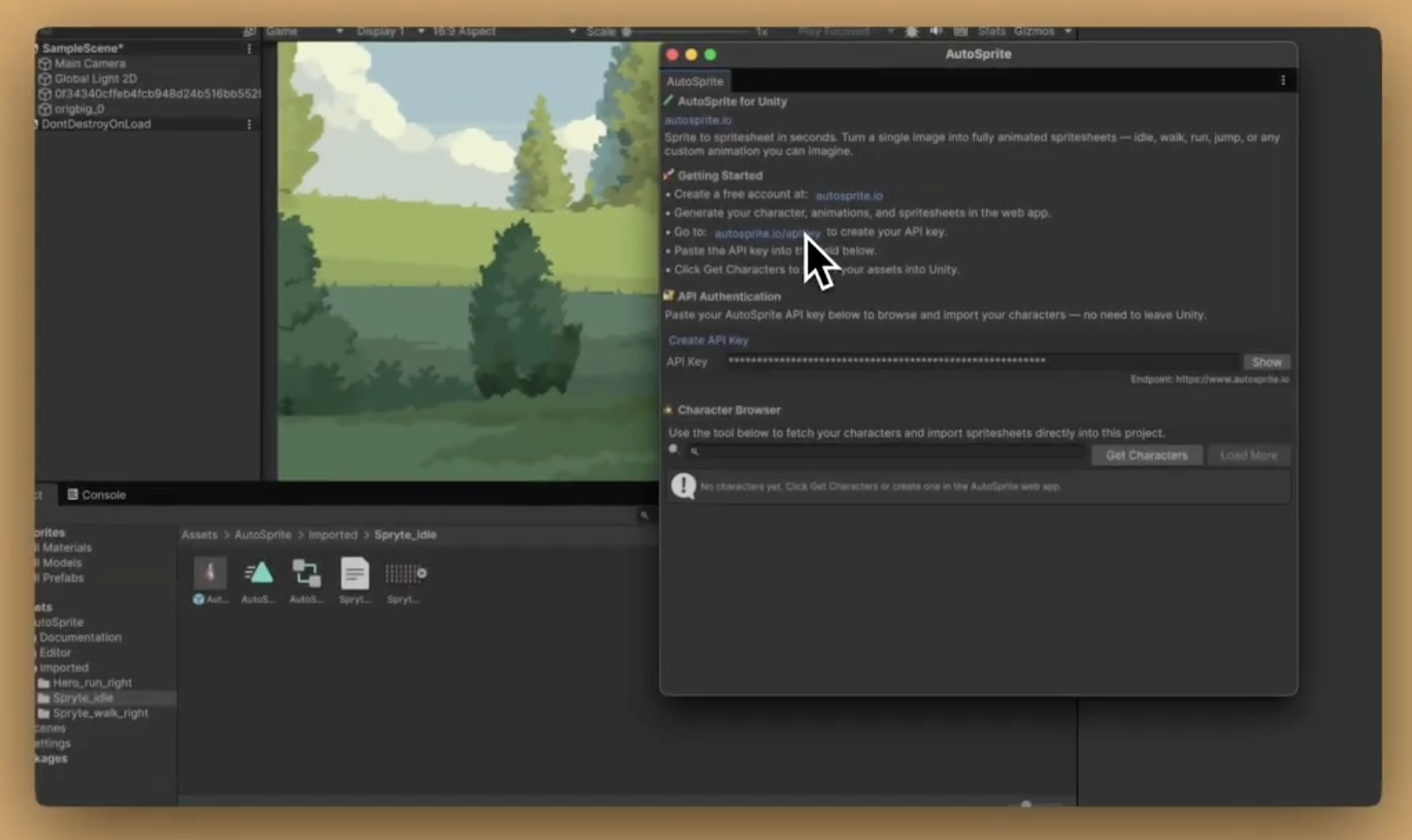
Go from AI-generated spritesheet to game-ready animations in seconds. Our free Unity extension handles slicing, animation clips, and Animator Controllers automatically.
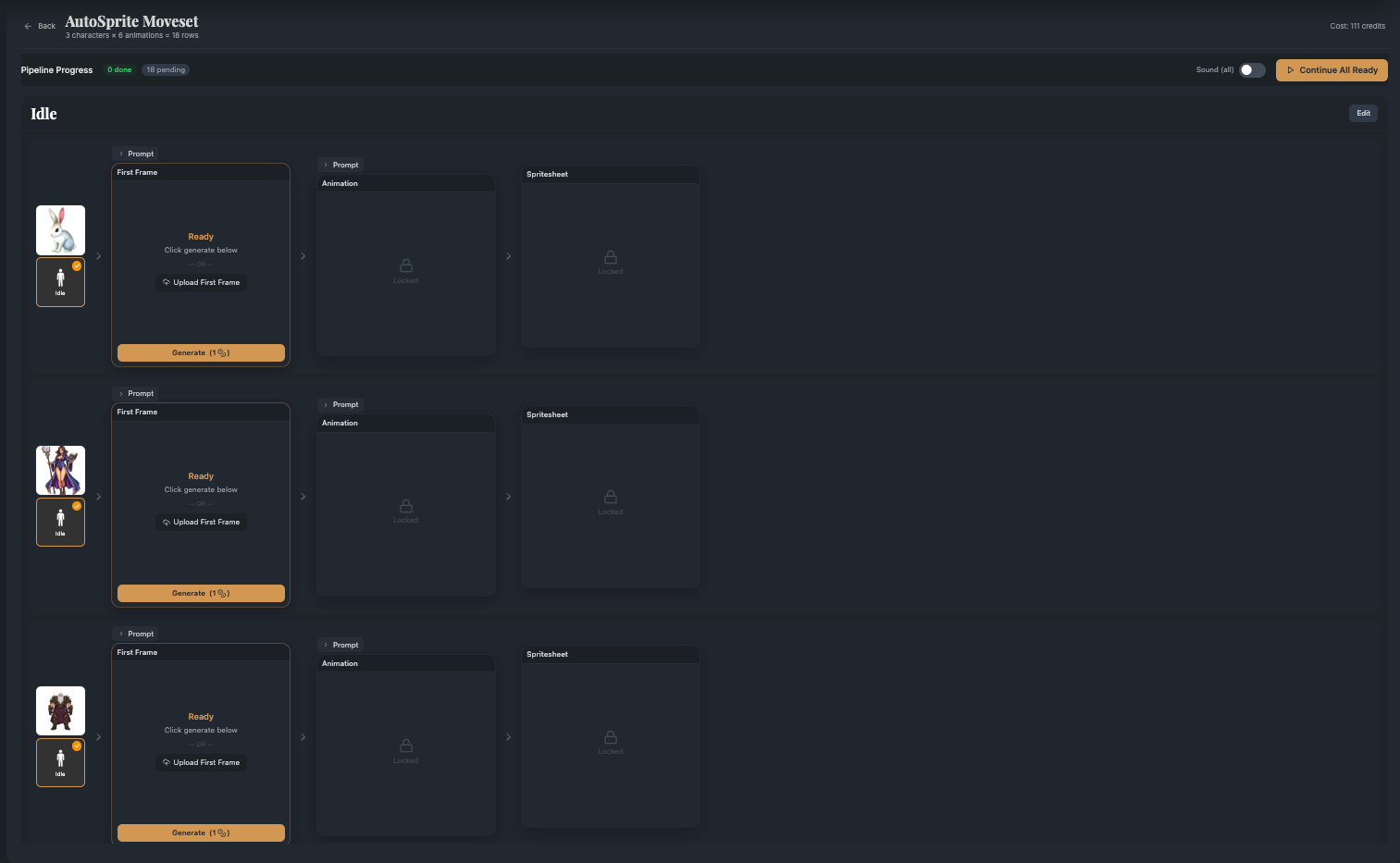
Generate animations for multiple characters at once with Advanced Mode. Build a moveset, run it through a 4-stage pipeline, and download spritesheets in bulk.
Learn how AutoSprite maintains character consistency across every animation frame. Discover why consistent character design matters for game development and how AI sprite generation solves the problem.
Learn how to create a custom character animation and share it directly to Discord with one click. Perfect for showing off your game characters to friends and communities.
The complete guide to character creation - every option, every setting, every style explained in detail. Master the full workflow from upload to animation-ready character.
Learn how to create game-ready spritesheets with AutoSprite. Step-by-step guide for Unity, Godot, GameMaker, Phaser, and RPG Maker developers.