Press & brand kit
Everything you need to write about AutoSprite
Boilerplate, a factsheet, logos and real generated examples. All free to use, including commercially.
Boilerplate
Copy, paste, publish
Three lengths. Take whichever fits your word count.
AutoSprite turns one character image into consistent, game-ready 2D animations (idle, walk, run, attack, and more) packed into clean spritesheets in seconds.
AutoSprite turns a single character image into a complete set of consistent, game-ready animations. Choose a sidescroller or isometric perspective, select moves like idle, walk, run, and attack, or create your own, and export clean, background-free spritesheets for Unity, Godot, GameMaker, Phaser, Unreal, and RPG Maker.
AutoSprite (autosprite.io) is an AI game-asset platform that turns character concepts into production-ready animations. Upload a character image, or create one from a text prompt, then generate consistent idle, walk, run, attack, jump, and fully custom animations in sidescroller or isometric perspectives. AutoSprite removes backgrounds, preserves the character’s appearance across every frame, and packs the results into clean spritesheets ready for Unity, Godot, GameMaker, Phaser, Unreal, and RPG Maker. Beyond spritesheets, AutoSprite can generate character poses, portraits, cutscenes, 3D models, and animations. Developers can work through the web app, Unity editor extension, REST API, or MCP server, allowing AI coding agents to generate and export assets directly into a game project. Instead of spending days drawing and cleaning animation frames by hand, developers can take a character from concept to playable in minutes.
Ready to post
Two posts that actually performed. Take them as they are or make them yours.
I found a tool that turns a single character image into fully animated sprite sheets in seconds. And honestly this is getting kind of crazy 👇 AutoSprite uses AI to generate walk cycles, attacks, idles, and basically whatever moveset you need. New stuff: easily add character poses cutscene creator world class background remover higher resolutions faster generations You upload one image. It does the rest. No frame-by-frame drawing. No animation pipeline headache. No animation experience needed. If you're a solo dev, studio, or just trying to prototype fast, this can save a stupid amount of time. Exports work directly in Unity, Godot, GameMaker, Phaser, and RPG Maker. Try it free at www.autosprite.io
I've been building AutoSprite for the last 6 months. It started as a tool to solve a problem I always had as a game dev: turn one character image into a full animated spritesheet quickly, while keeping the character consistent across the whole set. The flow is pretty simple: upload (or generate) a character image -> generate animations like idle / walk / run / attack / custom moves -> test it instantly in the browser -> export it into your game engine. The part I care about most is bringing it all together into one simple workflow and speeding up creation time dramatically, without all the copy-pasting and hoping everything works. In this new update I'm showing: custom character poses on demand state of the art background removal a brand new cutscene creator higher resolution exports faster generations It goes beyond just character animation now too, with support for props, items, VFX, cutscenes, large batch workflows, MCP, and API integrations. I'm also starting to explore the 3D side, which feels like a really exciting step toward a bigger and more complete game asset pipeline. It's not perfect and there's lots of room to improve, but I'm trying to make it at least 1% better every day! https://www.autosprite.io/ I'm excited to hear any feedback, thank you!
Factsheet
The basics
- Category
- AI spritesheet and game-asset generator
- For
- Indie and professional 2D game developers
- Animations
- Idle, walk, run, attack, jump, plus fully custom moves from a text prompt
- Perspectives
- Sidescroller and isometric top-down, in 4 and 8 directions
- Motion control
- Drive an animation from a reference video or the built-in motion library
- Also generates
- Character art, portraits, poses, props, items, VFX, foliage and full cutscenes
- 3D
- Text and image to 3D models, auto-rigging, 3D animations, GLB export
- Backgrounds
- Removed automatically, with transparent PNG output
- Engines
- Unity, Godot, GameMaker, Phaser, Unreal, RPG Maker and more
- Integrations
- Unity editor extension, public REST API, MCP server for AI agents
- Workflows
- Batch generation and shared team workspaces for studios
- Pricing
- Free (15 credits/mo), Starter $12, Pro $29, Studio $99
- Website
- autosprite.io
Latest
What's new
Storyboard animations
Describe a scene beat by beat, get one continuous animated clip of your character performing it.
See it work
One image in. A full moveset out.
Every sprite here is a real generation, playing live. Nothing was hand-animated.
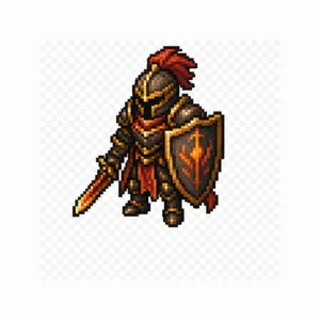
Knight
Armour, crest and shield emblem hold across all 25 frames.
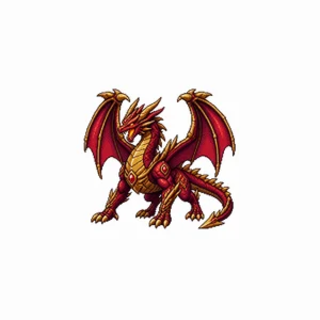
Dragon
Not everything that walks is humanoid.
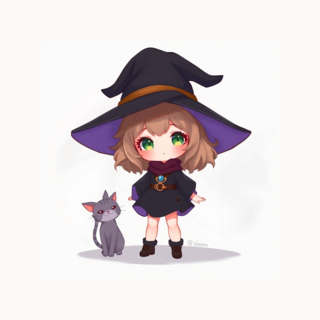
Witch
A different art style, and the cat comes along.
Direct every motion, beat by beat
a text prompt plus storyboard keyframes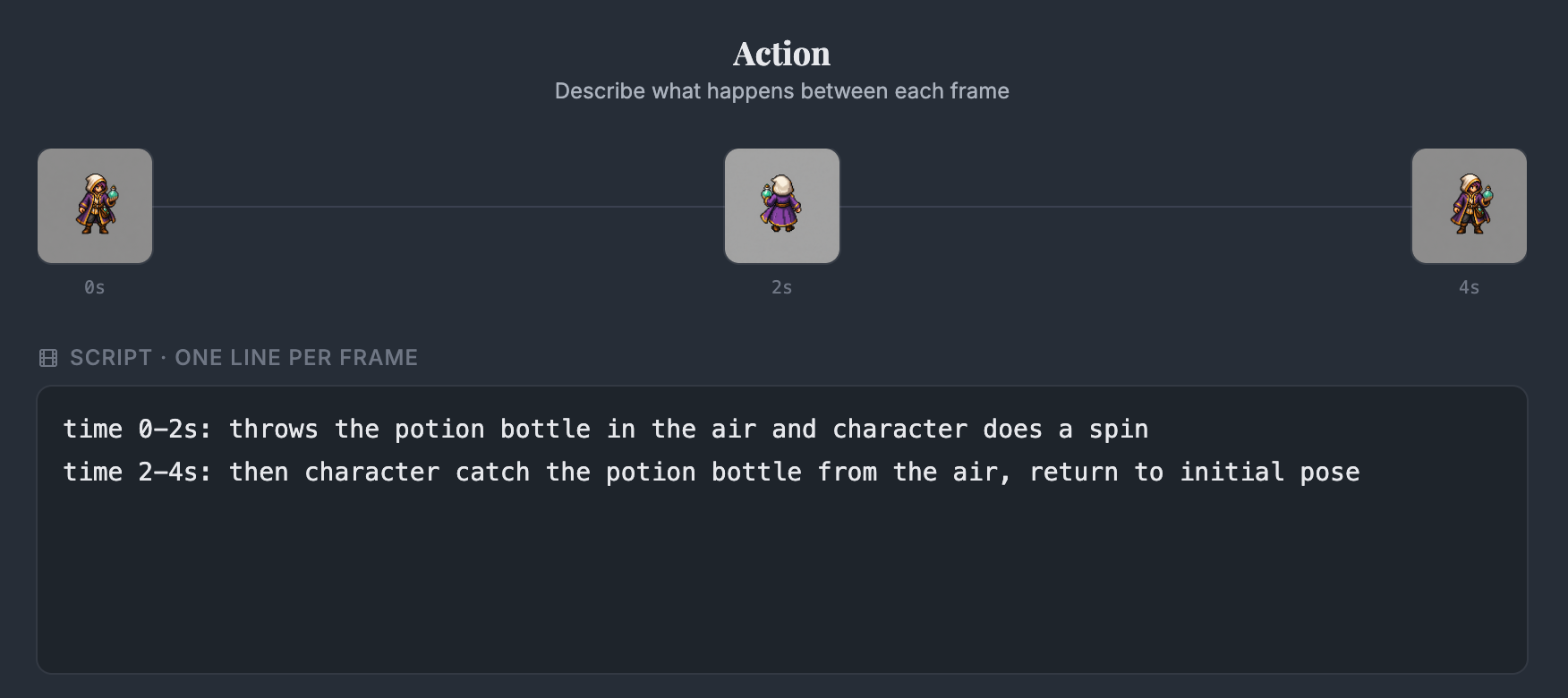

Potion toss. > Toss the potion, spin beneath it, then catch it.
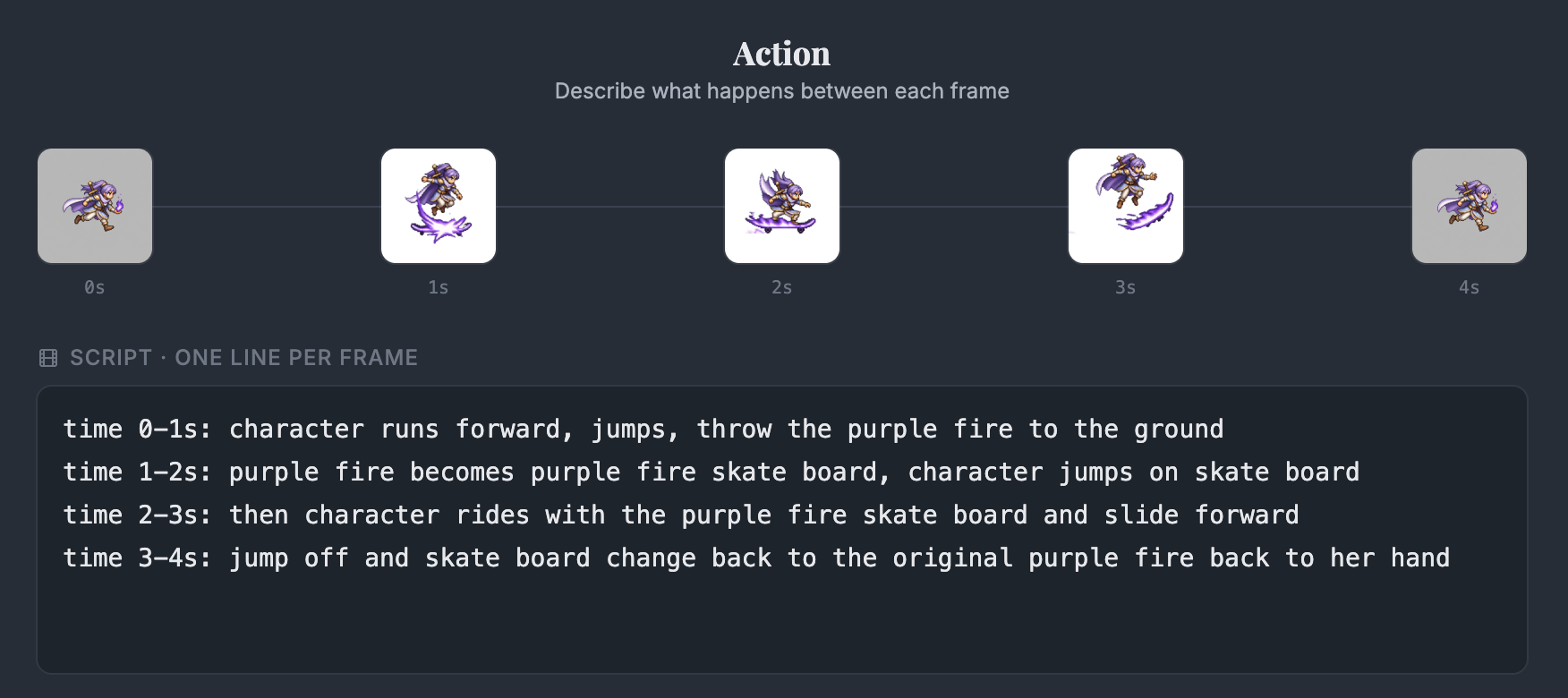
Arcane fireboard. > Ride a hoverboard of purple fire, then leap off.

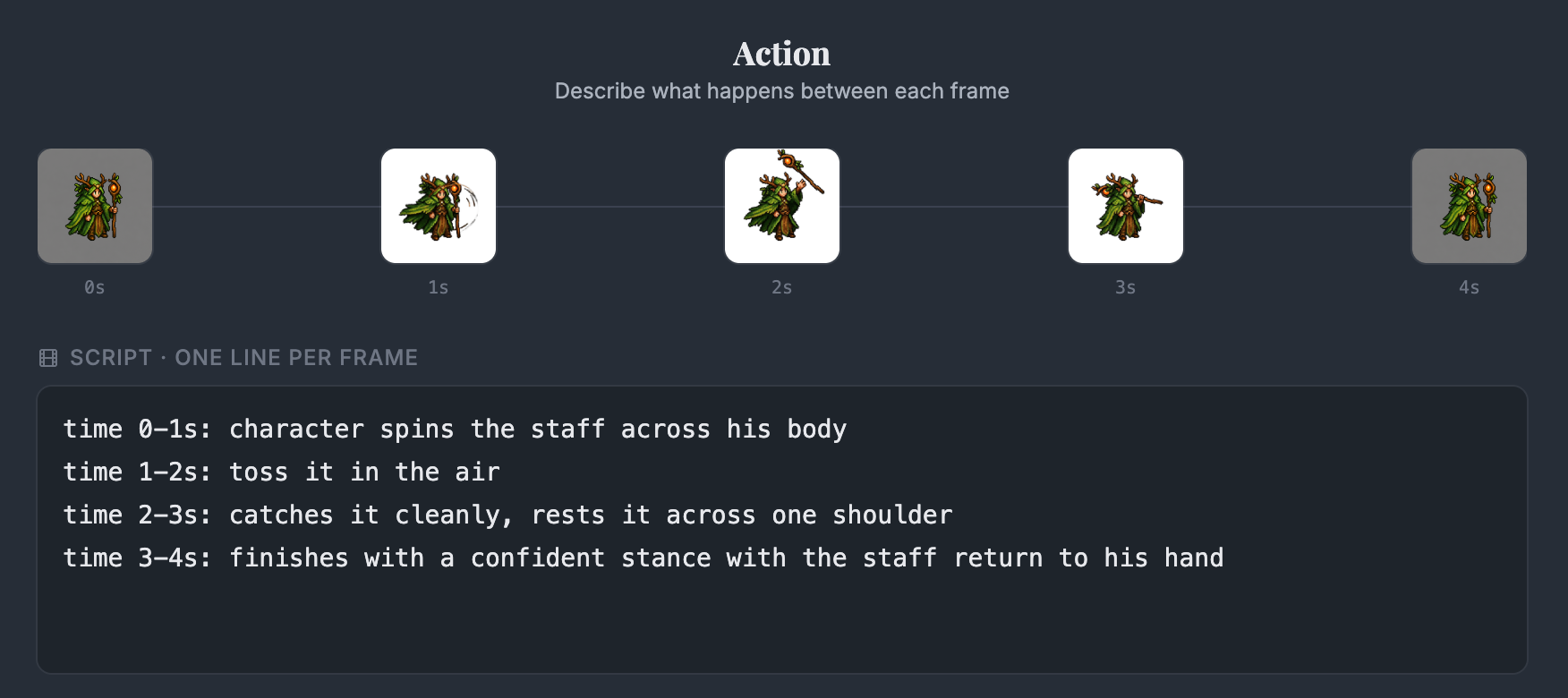

Staff flourish. > Spin the staff, toss it, catch it, hold a ready stance.
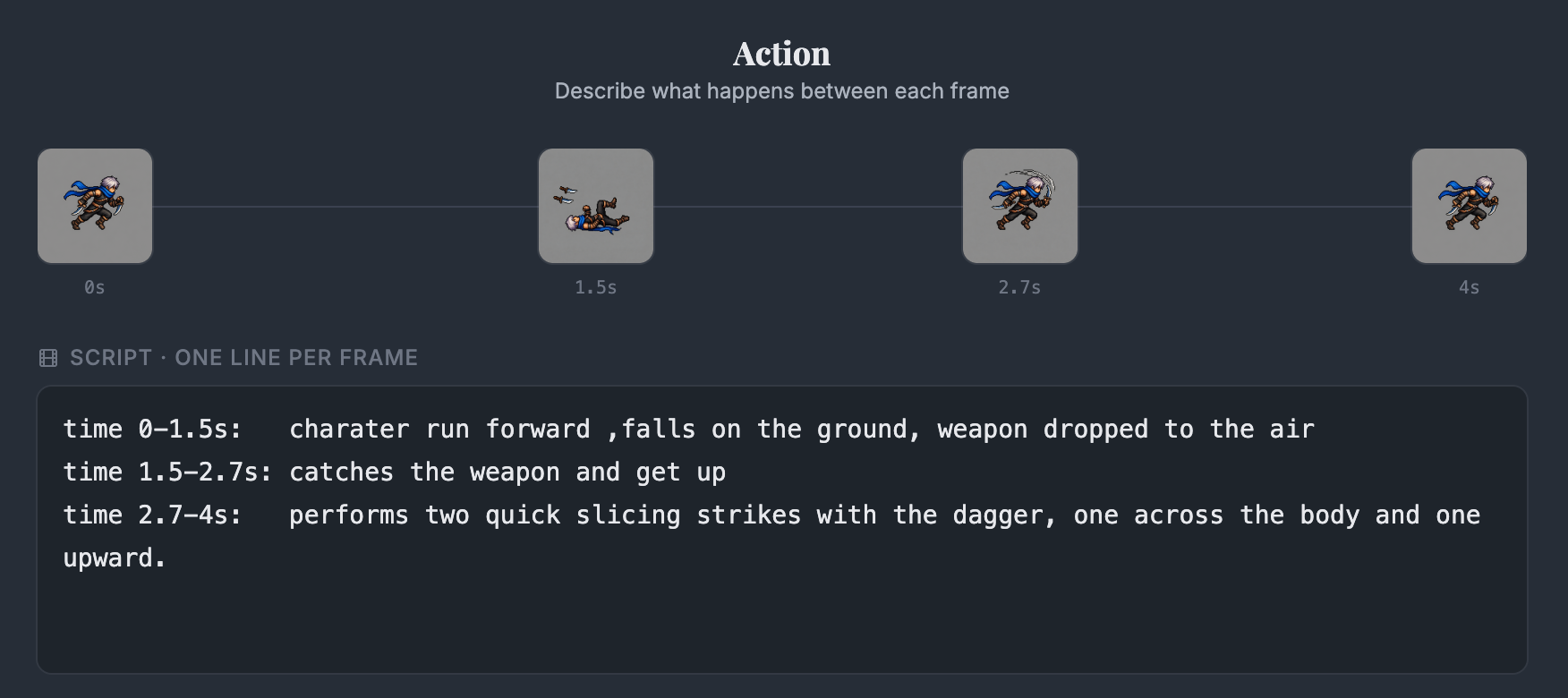
Dagger recovery. > Tumble, recover the loose dagger, then slash twice.

Describe the move, optionally pin keyframes and reference images, and the character performs it with its look intact.
Four directions, one character
for top-down and isometric gamesIdle, walk and run in all four directions: 12 sheets from one image, all in the download.
Direct it with video
one clip, any characterFilm a movement, or pick one from the motion library, and AutoSprite paints your character onto it.
Not just characters
56 asset loops in the downloadDownloads
Take the assets
Free to use, including commercially. No attribution required, though a link back is appreciated.
Screenshots
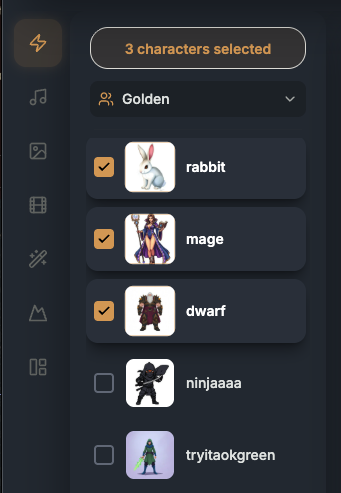
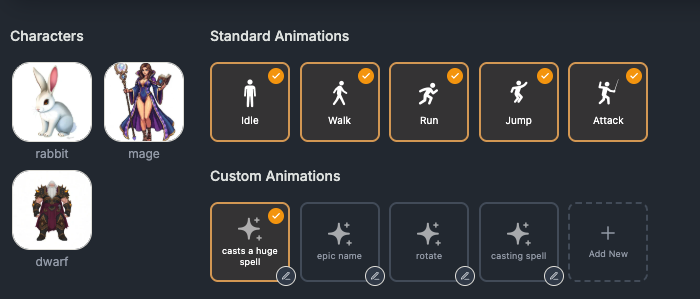
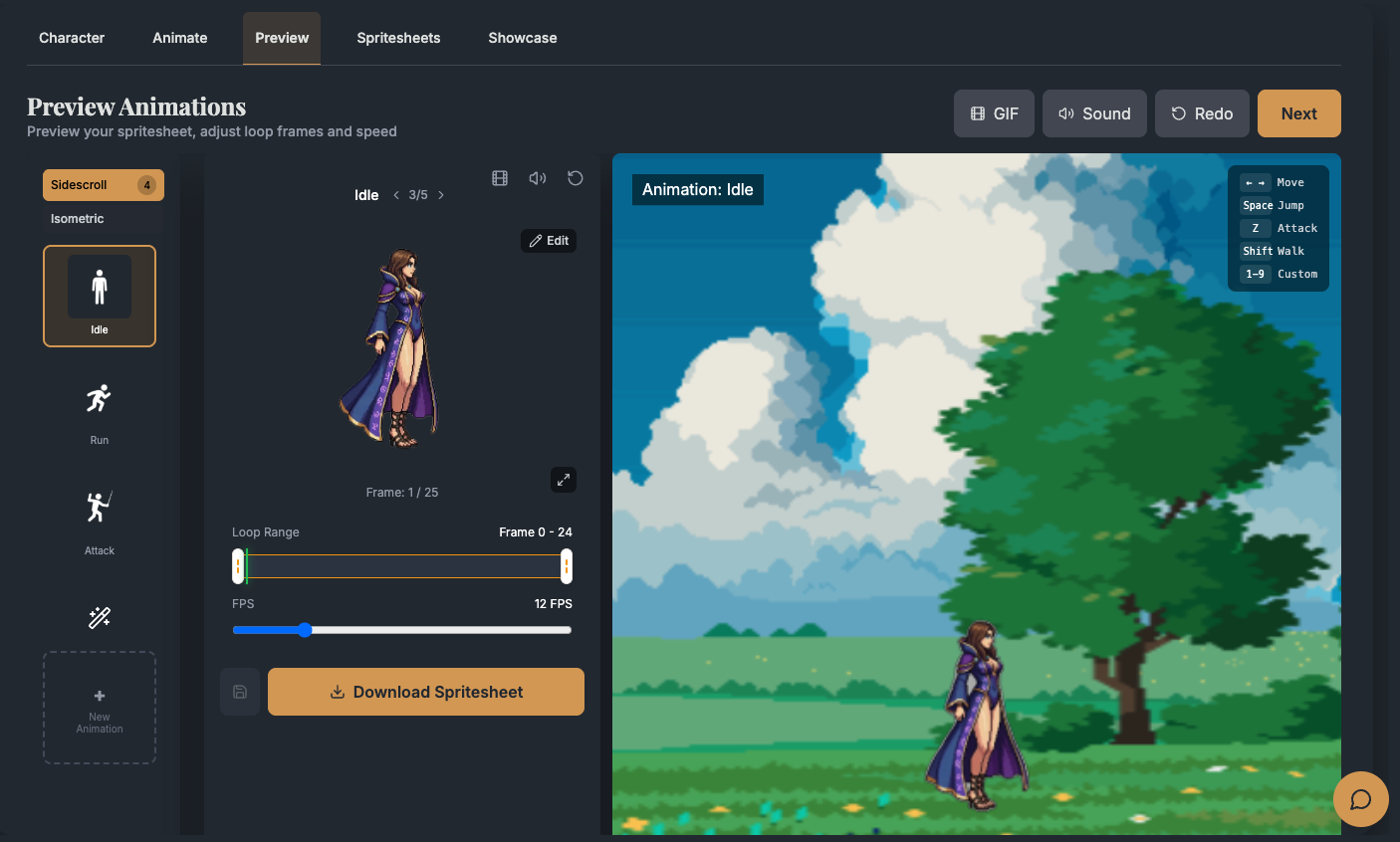
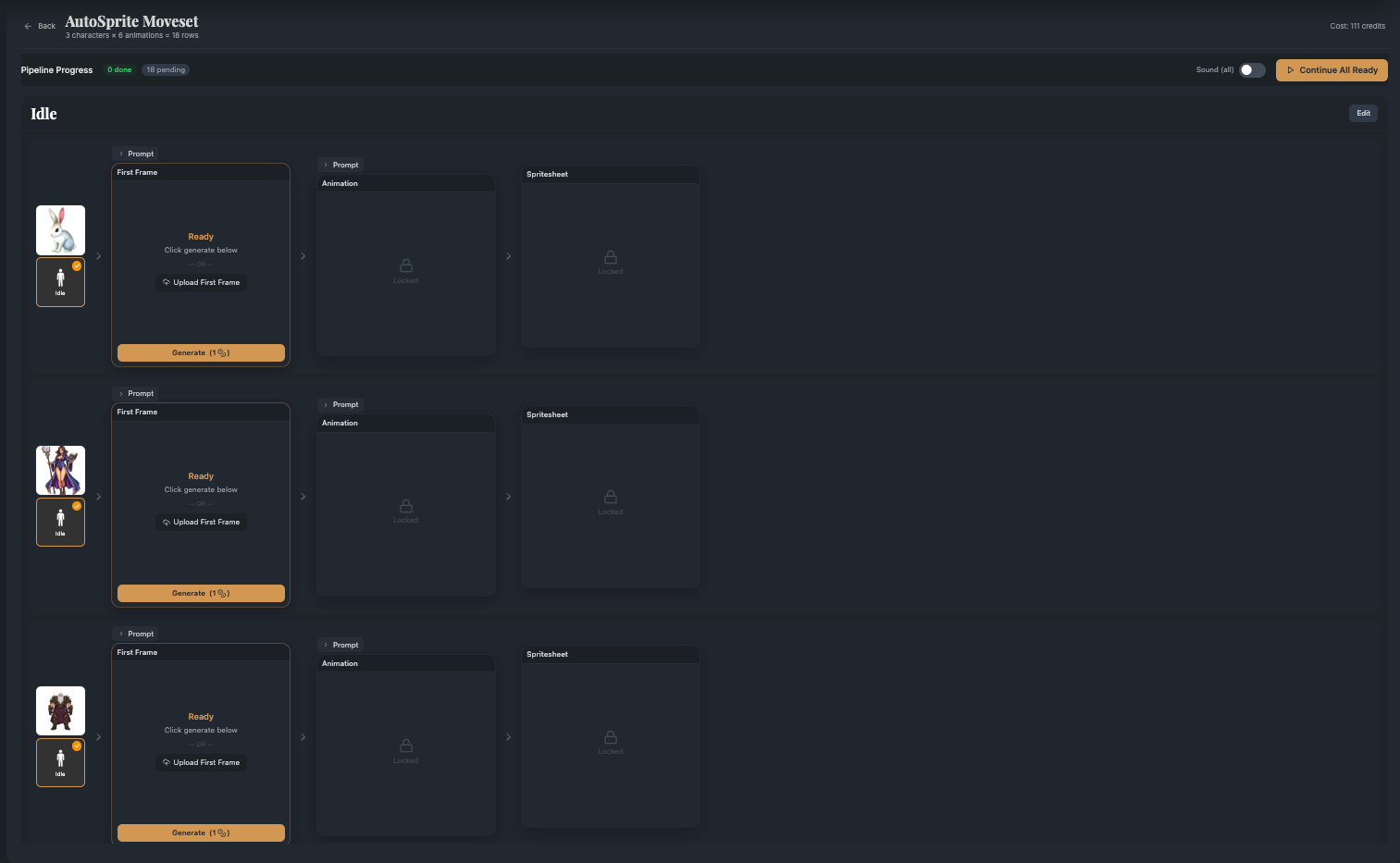
The product
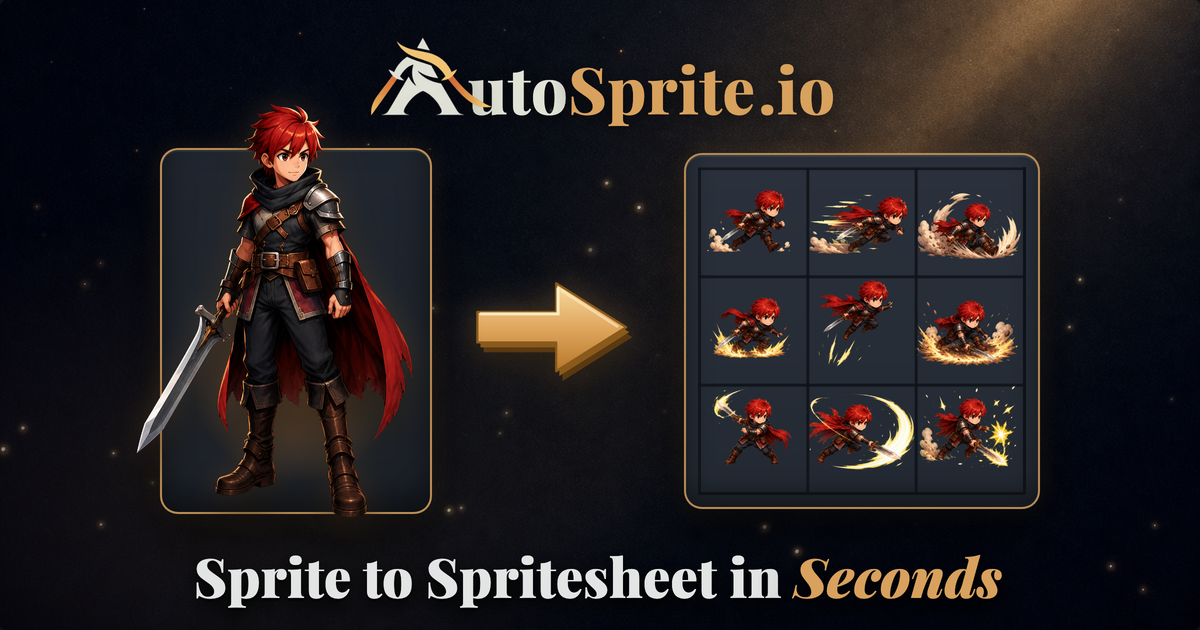
Logos & marks
Brand assets
The warrior “A” with crossed golden swords is the primary mark.

Colors
Playfair Display for headings, Inter for everything else.
Made with AutoSprite
for developers, not pressShipping something you made here?
Take a badge for your itch.io page, Steam art or credits screen. No permission needed.
<a href="https://autosprite.io" title="Made with AutoSprite">
  <img src="madewithautosprite.png" alt="Made with AutoSprite" width="240">
</a>
Contact
Talk to a human
Interview requests, review access, or anything missing here.
You may use everything here to write about or promote AutoSprite, including in monetised videos. Please don't imply partnership without asking, or resell the asset packs as a standalone pack.